
Shop Midwest FlexSystems
Rugged gage interfaces, displays, cables, and accessories—built for real-world manufacturing. Jump into a category below or use the quick links to go straight to what you need.
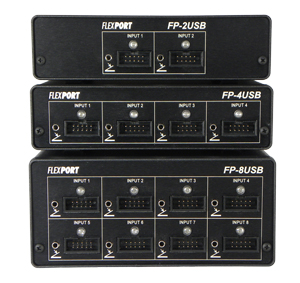

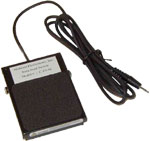
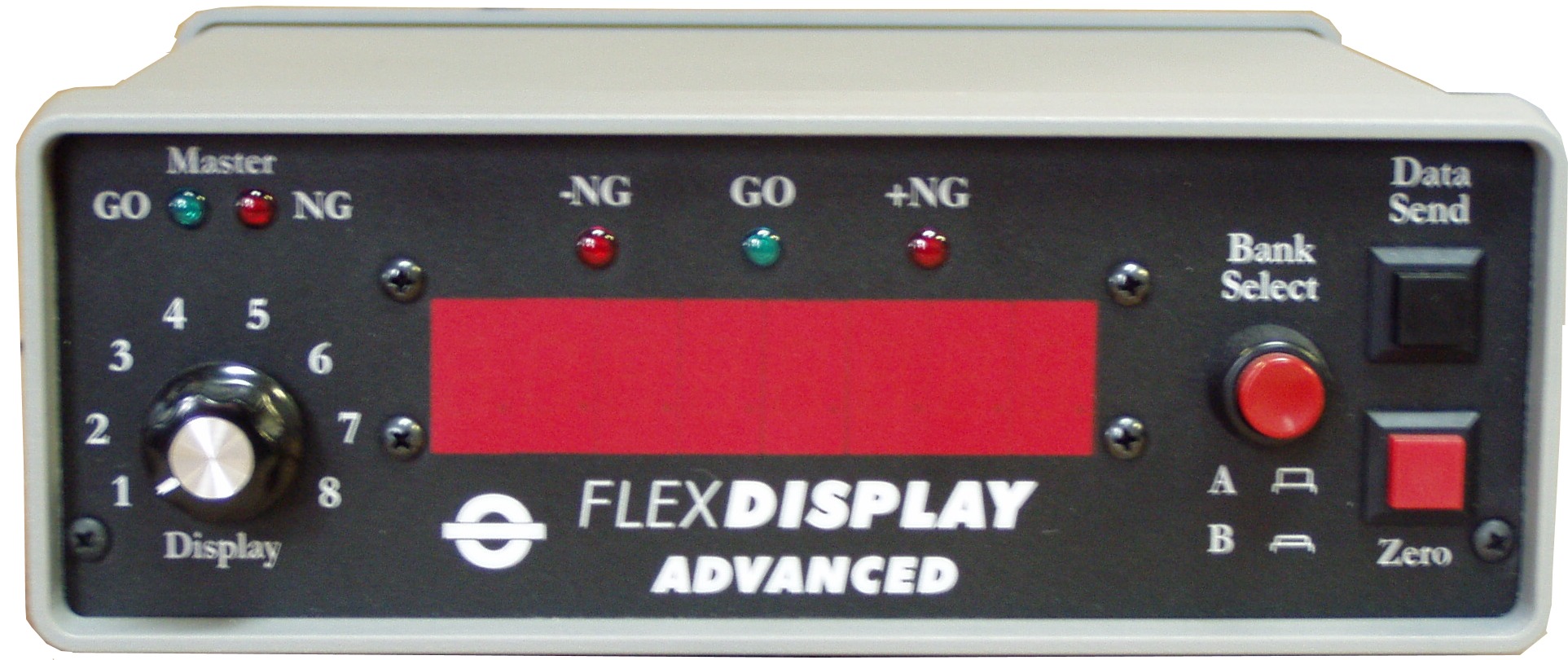
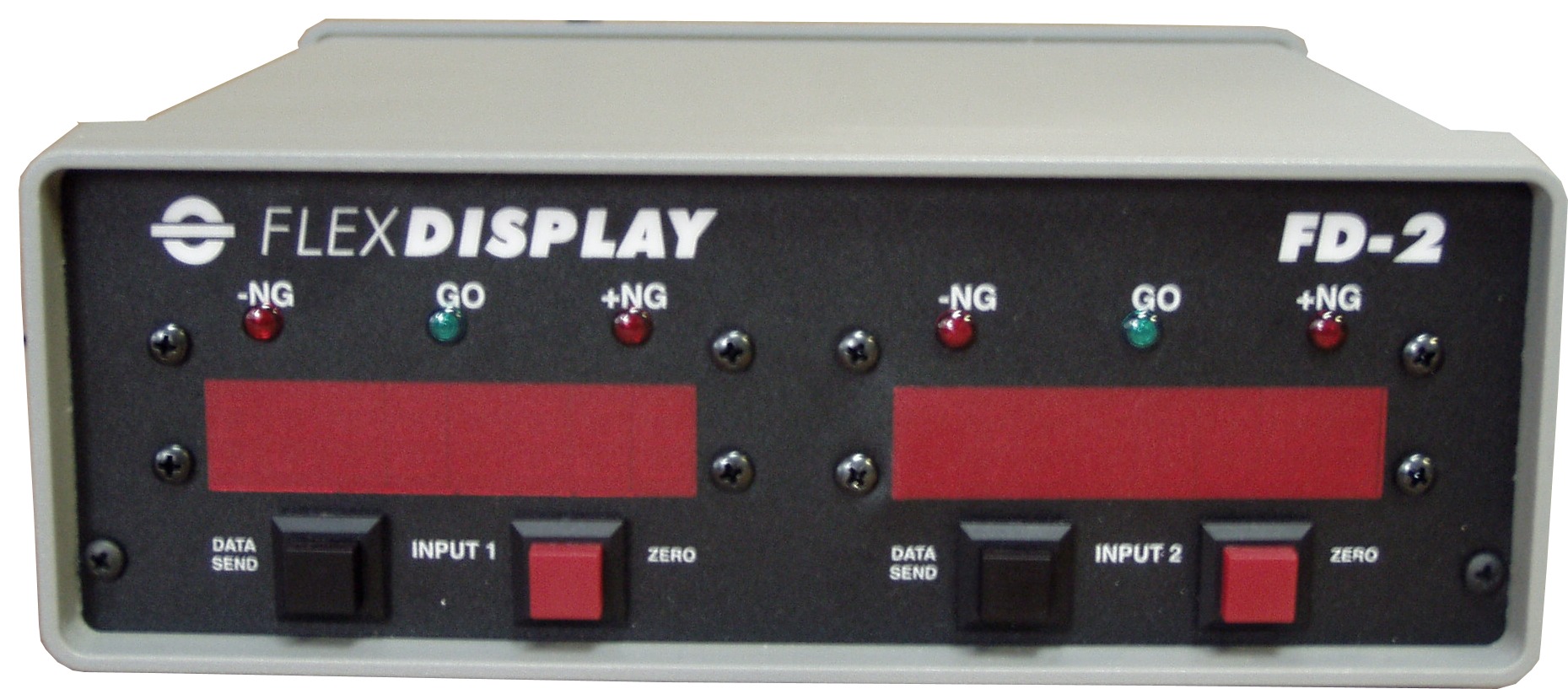


Why Midwest FlexSystems
Since 1992, Midwest FlexSystems has been the trusted source for rugged gage interfaces, displays, and data solutions. We engineer, build, and support systems that keep production moving—backed by responsive, real-world expertise.
30+ Years, One Focus
Gage data collection is our lane. From single-tool USB to multi-station systems, we solve measurement and SPC workflows every day.
Built for the Shop Floor
All-metal enclosures, clear LED feedback, and field-proven electronics—designed to run reliably in real manufacturing environments.
Plug-and-Play Data
HID Keyboard, Virtual COM Port, and RS232 outputs—drop data straight into Excel, SPC, databases, or PLCs without hassle.
OEM-Level Engineering
The team behind many private-labeled interfaces used worldwide. Get the same performance—direct from the source.
Custom When You Need It
Specialty triggers, pass-thru logic, cable/harness builds, and fixtures—tailored to your gages, software, and process.
Real Support
Pre-sale guidance, setup help, and long-term service from engineers who know the tools and the shop floor.