Product Description
The FlexWedge FW-1M is a single input interface designed to send data directly to your PC via the keyboard (HID). Now without additional software or special drivers; spreadsheets, custom applications, and SPC programs can receive data as if you typed it on the keyboard.
Sending data to your computer is easy. The FlexWedge is a HID device, emulating a numeric keypad connected to your PC. Microsoft Windows automatically loads up the USB connection as HID device (Human Interface Device) and enters every reading like it was typed on the keyboard.
The FlexWedge FW-1M offers three ways to request a reading to be sent to your PC:
- Send button (on the gage or cable)
- Send button (on the front of FlexWedge FW-1M)
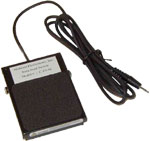
- Data send jack (contact closure from hand or footswitch)
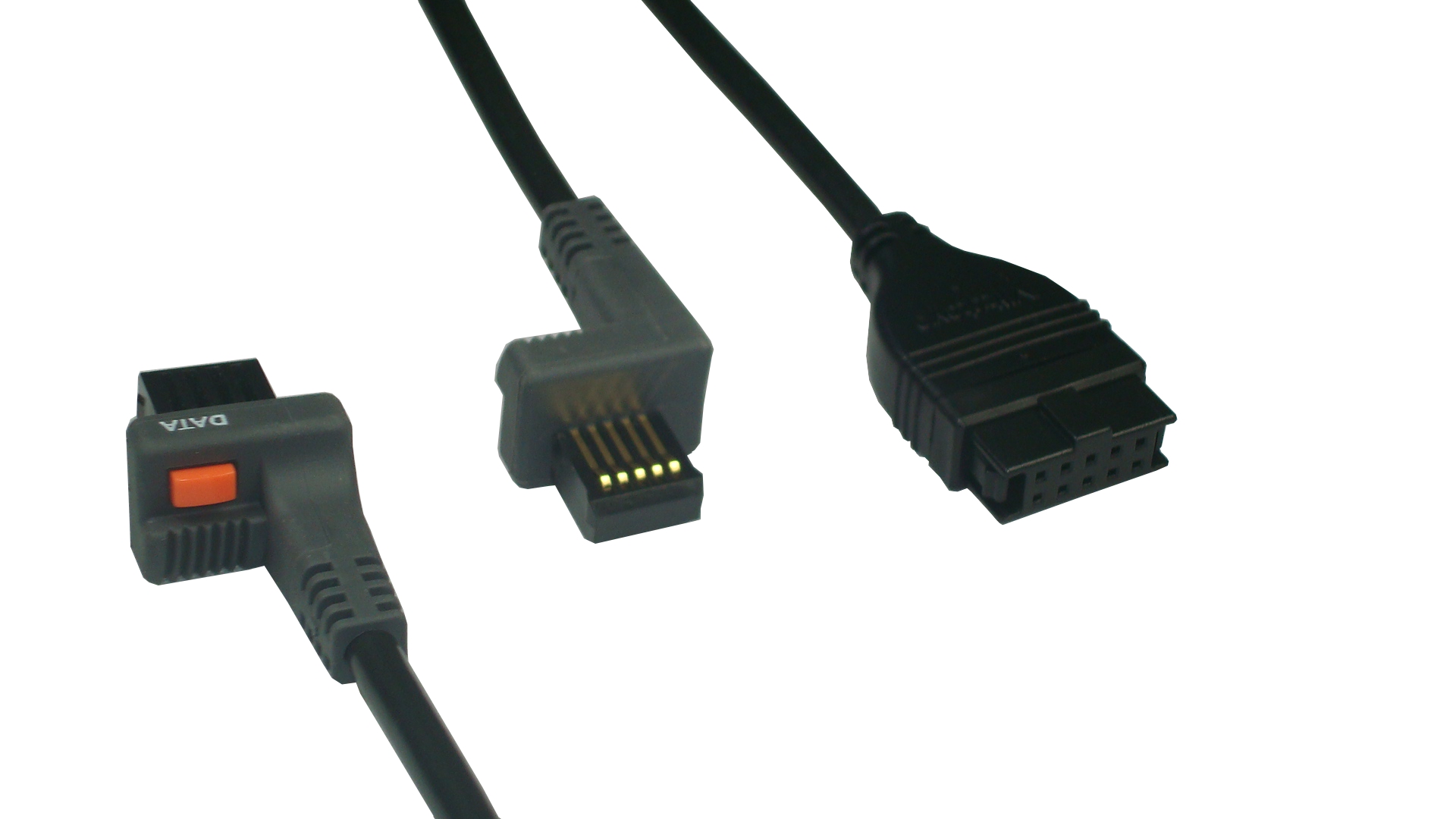
The front of the FW-1M allows users to plug in standard 10 pin cables for Mitutoyo and digimatic output devices. For the port, a data send button and data send input jack as well as a data send LED is provided. The LED turns on when data is requested from the device and automatically turns off when data has been sent.
The FlexWedge is also compatible with the FlexConnect™ line of gage cables. This gives you the flexibility to collect data from a wide variety of digital gages such as Mitutoyo, Mahr Federal, Starrett, Ono Sokki, Fowler and more. Many other devices, such as weigh scales, balances, digital readouts and more, can be connected using FlexConnect cables. The ability to collect data from virtually any device gives you the power to use the instruments you need.
The front panel includes a data send LED to signal successful data transmission. The LED turns on when data is requested and automatically turn off when data has been sent. The FlexWedge USB version connects to your PC via a USB port. All Microsoft™ Window programs recognize the FlexWedge as a HID device (Human Interface Device driver is for keyboards and numeric pads). The computer ‘thinks’ you just plugged on a numeric keypad and accepts the gage reading as if you typed it on a keyboard or numeric keypad. The readings from the FlexWedge appear in any program you choose at the current cursor location. The readings are followed by a carriage return keystroke to signal data is complete. So whether using a spreadsheet or a custom program, the FlexWedge will send readings quickly and easily into any program you need.
The FlexWedge FW-1M is powered from the USB port via the supplied USB cable (6 ft.).
Additional Information
| SKU | FW-1M |
|---|---|
| Short Description | The FlexWedge FW-1M is a single input interface designed to send data directly to your PC via the keyboard (HID). Now without additional software or special drivers; spreadsheets, custom applications, and SPC programs can receive data as if you typed it on the keyboard. The FlexWedge FW-1M offers three ways to request a reading to be sent to your PC: The front of theFW-1M allows users to plug in standard 10 pin cables for Mitutoyo and digimatic output devices. For the port, a data send button and data send input jack as well as a data send LED is provided. The LED turns on when data is requested from the device and automatically turns off when data has been sent. Downloads: |
| Number of inputs | 1 Mitutoyo Only |
| Input type | Mitutoyo Only = Mitutoyo Digimatic and MTI Compatibles |
| Output type | USB as Keyboard (HID Device) |
| Power Supply | Powered via USB port |
| Gage Input Connector | 10-pin Male (Mitutoyo Digimatic) |
| Data Send Input | 2.5mm jack, data send button |
| Output Connector | USB |