|
In a world of high
manufacturing standards the FlexDisplay line is built with
quality in mind. Inside an all-metal enclosure, automated
assembly processes and prewired harnesses combine to create a
robust interface. Ready to use out of the box, the FlexDisplay
is a durable display and interface designed for shop-floor data
collection.
FlexDisplay Series with Rotary Switch
FD-1U - 4 Gage
Inputs/4 GO/NG Calculations
- 4 Gage inputs
- Rotary switch to select the port displayed
- Limited math functions (add/subtract between 2 ports)
FD-1PLUS - 4 Gage Inputs/8
GO/NG Calculations
- 4 Gage inputs
- 4 Virtual ports (Isolated ports for math functions,
visible on readout)
- Rotary switch to select the port displayed
- Limited math functions (add/subtract/average between 2
ports)
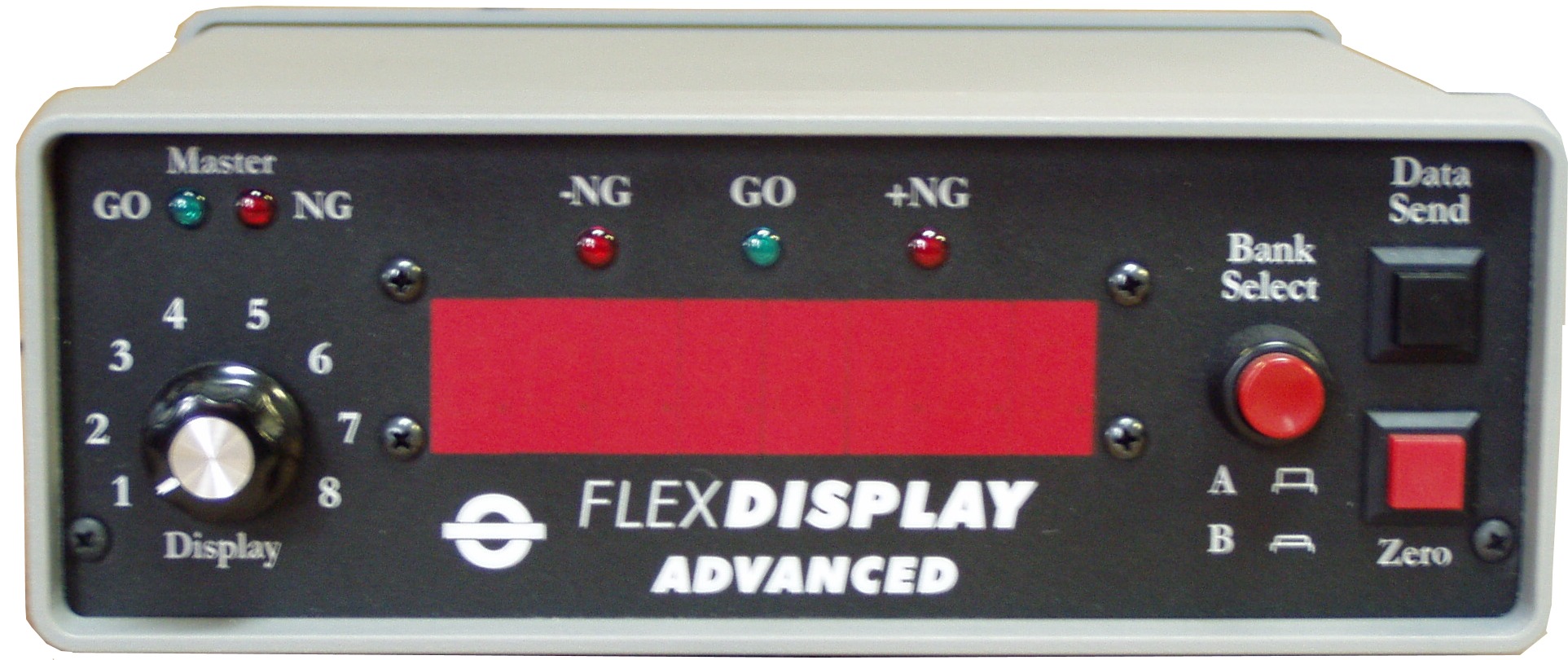
FD-1ADV - 8 Gage Inputs/16
GO/NG Calculations
- 8 Gage inputs
- 8 Virtual ports (Isolated ports for math functions,
visible on readout)
- Rotary switch to select the port displayed
- Advanced math functions
- Add between 2 or more inputs
- Subtract between 2 or more inputs
- Average between 2 or more inputs
- Minimum reading for a port
- Maximum reading for a port
- Range (TIR) of a port
- Offset a reading with a constant
- Echo a reading from another port
(Very helpful: Can use same gages and have different
specs for different parts)
FlexDisplay with Direct Display
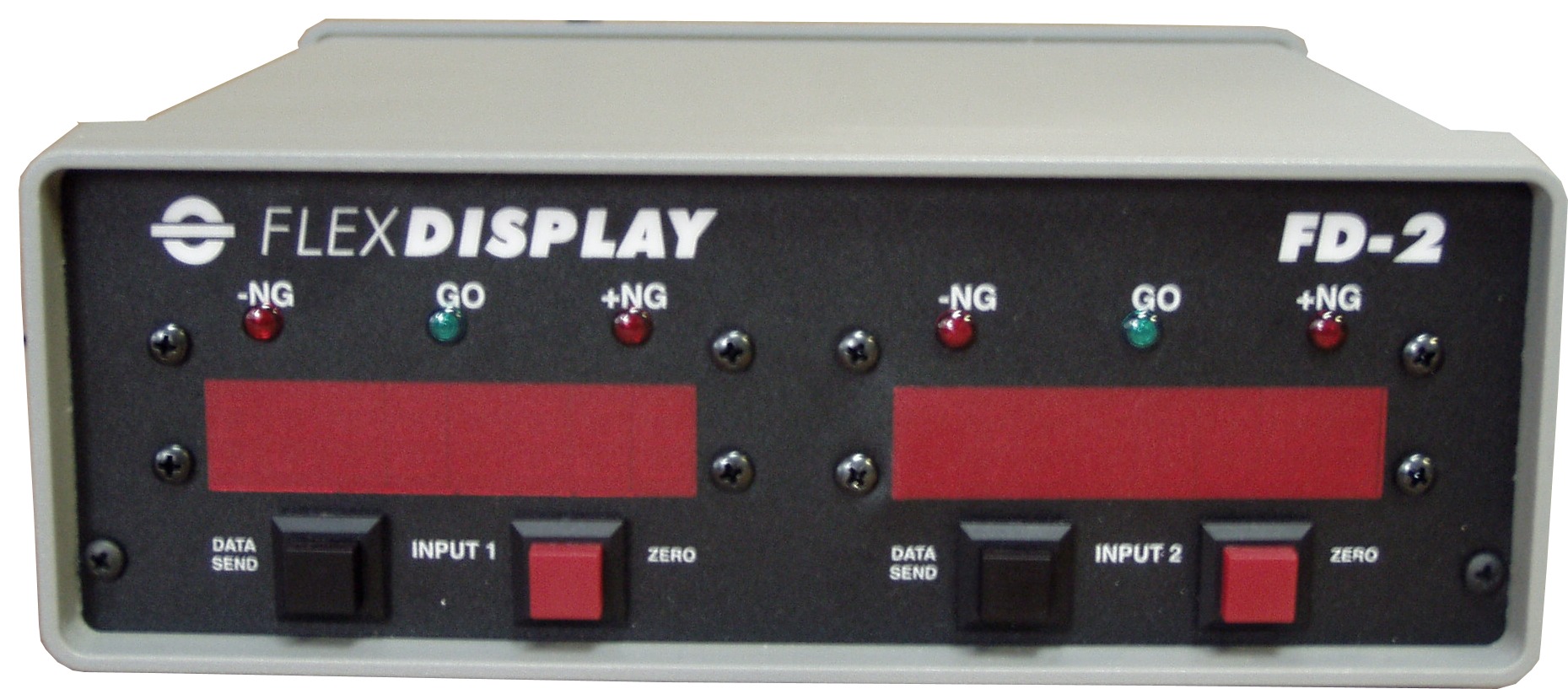
FD-2M - 2
Gage Inputs/2
GO/NG Calculations
- 2 Gage inputs
- 2 Gage readouts
FlexDisplay Feature Descriptions
GO/NG Status for individual ports:
The FlexDisplay will compute Go/No Go status
individually for each input, even if that input is set for a difference/sum
result. There is a high/low setting for each input.
Master GO/NG status for all ports
selected:
The FlexDisplay includes a
set of LEDs for Master Go/No Go status for all ports
selected. If any input is outside of the
specification limits, even if not currently displayed,
the Master GO/NG will reflect status. Inputs that
are not critical to part status can be tracked but be
set to not effect the overall Master GO/NG. This allows
you to track non-critical characteristics, but not
subject the part to failure/rework.
The status of the Master Go/No Go is also available on
the I/O port for connection to a PLC. This is useful for part sorting
and identification.
Gage
watchdog and channel bypass:
The FlexDisplay will output a signal for gage
error. If a gage is turned off or not present, the word "Error" is displayed
and the signal is sent out the I/O port. The channel bypass feature in the
FlexDisplay will allow readings and analysis of remaining inputs to
continue. When gage error is cleared, unit will resume normal
operations.
I/O port for external alerts:
As part of the power of the FlexDisplay units, all
part status checks are available as TTL level signals.
This means the Go/No Go status can be directly tied to a
PLC for part sorting. The optional FD-Light will give
operators a light tower view of alerts monitored by the
FlexDisplay.
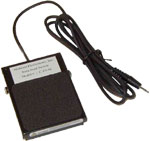
Remote Zero Button:
Each display includes a remote zero button. When a gage reading is
displayed, pressing the zero button will reset the display to zero and will
offset the input reading until cleared or reset. This is very helpful
with gage fixtures that need to be calibrated to a set value.
Data Send Options:
The FlexDisplay can send data to a PC for data tracking and analysis.
Data send button, data send jack and host commands can all trigger a reading
or group of readings to be sent to the PC. Data sending can be
configured to send the currently displayed reading or all the readings being
monitored.
Global Decimal
Accuracy:
The FlexDisplay has 8 digits to display readings. In some
applications, restricting resolution is required or desired. The
FlexDisplay units allow you to limit the number of digits displayed, making
it easier for operators to quickly understand and make judgments on part
status.
Reasonable Data Test:
This is an additional test on the readings. This test works in
conjunction with the Go/No Go feature to make sure the reading being
analyzed is valid.
Math Functions:
The power of the FlexDisplay allows various math functions to be
performed on gage input data. Math functions can be performed on a
single port or across multiple ports. Math function availability
varies with each FlexDisplay model. Functions available include:
add, subtract, average, add a constant, subtract a constant, and more.
The functions available in the
FlexDisplay can also be customized to meet specific needs.
Output to PC/PLC:
The readings of all ports can be sent to PC/PLC for data tracking and
analysis.
Force in/mm:
This feature will force readings into either inch or millimeters.
Change sign of data:
This feature will reverse the +/- of the gage reading. This is
helpful with some force gages.
Pass-Thru Port for stacking units:
An added benefit of the
FlexDisplay line is the Pass-Thru Port. This port (DB9)
can be used as a backplane port to stack multiple units
using standard cabling included with every unit. You can
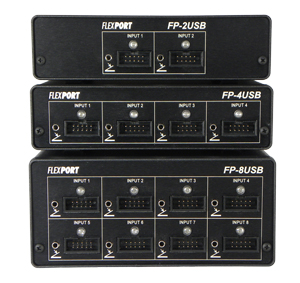
use this port to stack the FlexDisplay and FlexPort gage
interfaces together to one port on the PC.
|